ADVANCED ROCKET LEAGUE MODDING
NitroMOD

The ultimate Rocket League modification tool with advanced features for customizing your gaming experience. Spawn items, change ranks, and enhance gameplay with our powerful, safe, and easy-to-use modding solution.
Powerful Features

Everything you need to customize your Rocket League experience

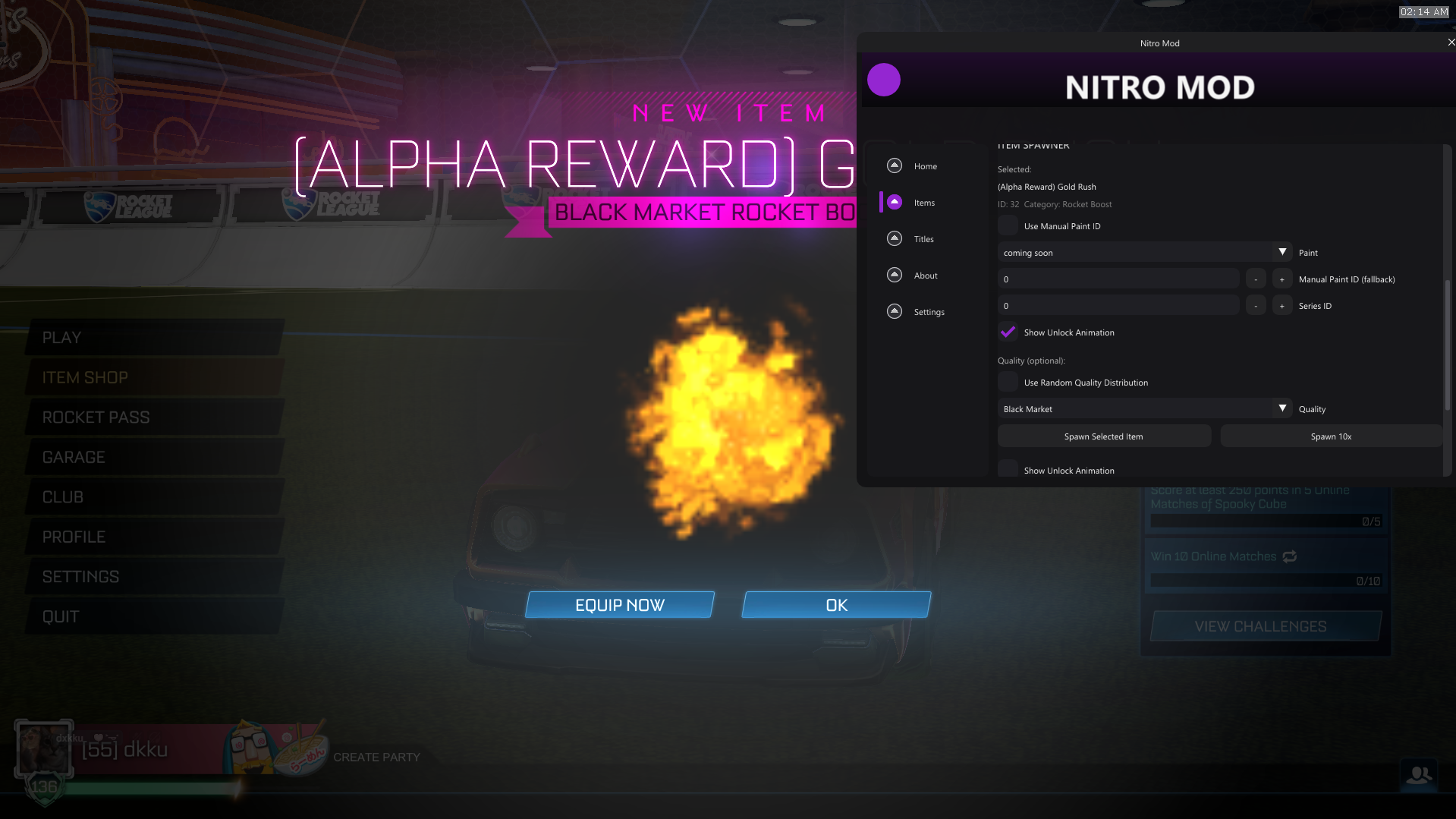
1 Item Spawner

Spawn all items including alpha items with different certifications and paint finishes. Visible in LAN matches and main menu, client-side in normal online games.

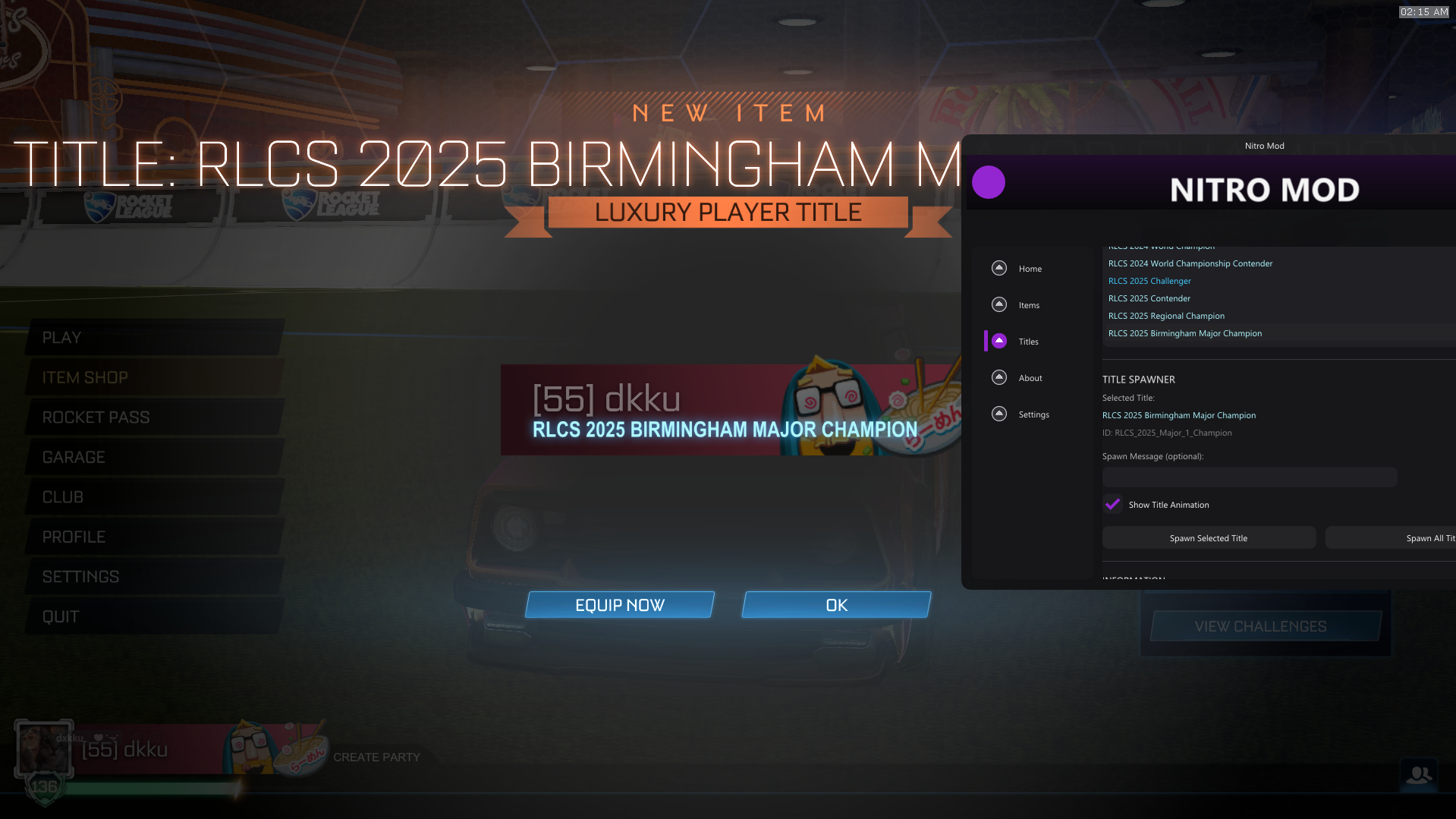
2 Title Spawner

Access all titles including RLCS and ESports titles. Display custom titles in LAN matches and main menu, visible to all players.

3 Rank Changer

Modify your rank for any game mode from SSL to Bronze. Change MMR values and customize your competitive profile.

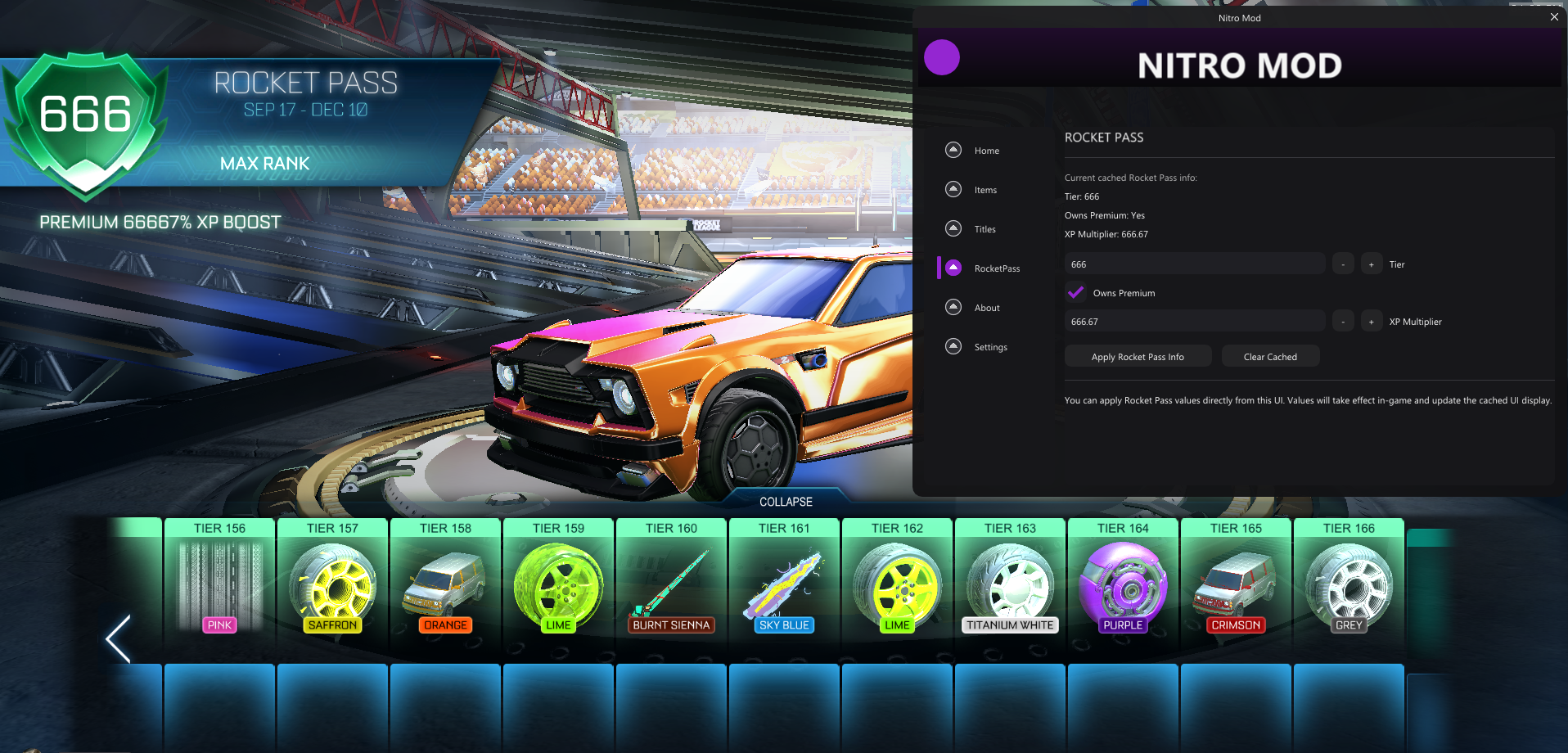
4 Rocket Pass Editing

Edit your Rocket Pass level and enable premium features. Customize your battle pass progression and rewards.

5 Ball Predictions

Advanced ball trajectory prediction system for improved gameplay and training sessions.

6 Boost Management

Customize boost spawn times and overlay settings for optimal gameplay performance.

7 Demo Smoke Remover

Remove demo smoke effects for cleaner visuals and better visibility during matches.

8 Gameplay Enhancements

Additional tools and tweaks to improve your overall Rocket League experience.

Frequently Asked Questions

Get answers to common questions about NitroMOD

When I join an online game I don't see the car that I spawned, how do I fix this?

You will first have to close the game, then go to your Documents\MyGames\RocketLeague\TAGame folder and inside there, you will have to delete the folder called "SaveDataEpic", once done restart the game and the problem will be solved.

Is NitroMOD bannable?

No, because it's all client-side, so only you will be able to see the items spawned in an online game. The modifications are local to your system and don't interfere with game servers.

Why doesn't the loader work?

1. If you have two different accounts, and one of them is not in the server, switch to that account and join the server.

2. Restart your Discord and open it again - this often fixes the problem.

Is NitroMOD safe to use?

Yes, NitroMOD is completely safe. It operates client-side only and doesn't modify game files or interfere with anti-cheat systems. All changes are cosmetic and visible only to you.

Does NitroMOD work with the latest Rocket League updates?

NitroMOD is regularly updated to maintain compatibility with the latest Rocket League patches. We release updates within 24-48 hours of new game updates.

Can I use NitroMOD in competitive matches?

While NitroMOD is safe to use, we recommend using cosmetic features only in casual matches. Gameplay enhancements should be used responsibly and may not be suitable for competitive play.

Important Notice

NitroMOD is designed for personal use and customization. Always use modifications responsibly and respect other players' experiences. We are not responsible for any misuse of the software.

Simple Pricing

One-time payment for lifetime access

NitroMOD

Complete Rocket League modification suite

$19.99 / lifetime
  • Full Item Spawner with Alpha Items
  • Complete Title Spawner
  • Advanced Rank Changer
  • Rocket Pass Editor
  • Ball Prediction System
  • Boost Management Tools
  • Demo Smoke Remover
  • Regular Updates & Support

Secure payment • Instant delivery • Lifetime access

Compatibility

NitroMOD works with your setup

Windows 10/11

Full support

Rocket League

All versions

Epic Games

Primary launcher

Steam

Legacy support

System Requirements

• Windows 10 or 11 (64-bit)
• Rocket League installed via Epic Games or Steam
• 4GB RAM minimum
• DirectX 11 compatible GPU
• Administrative privileges for installation